
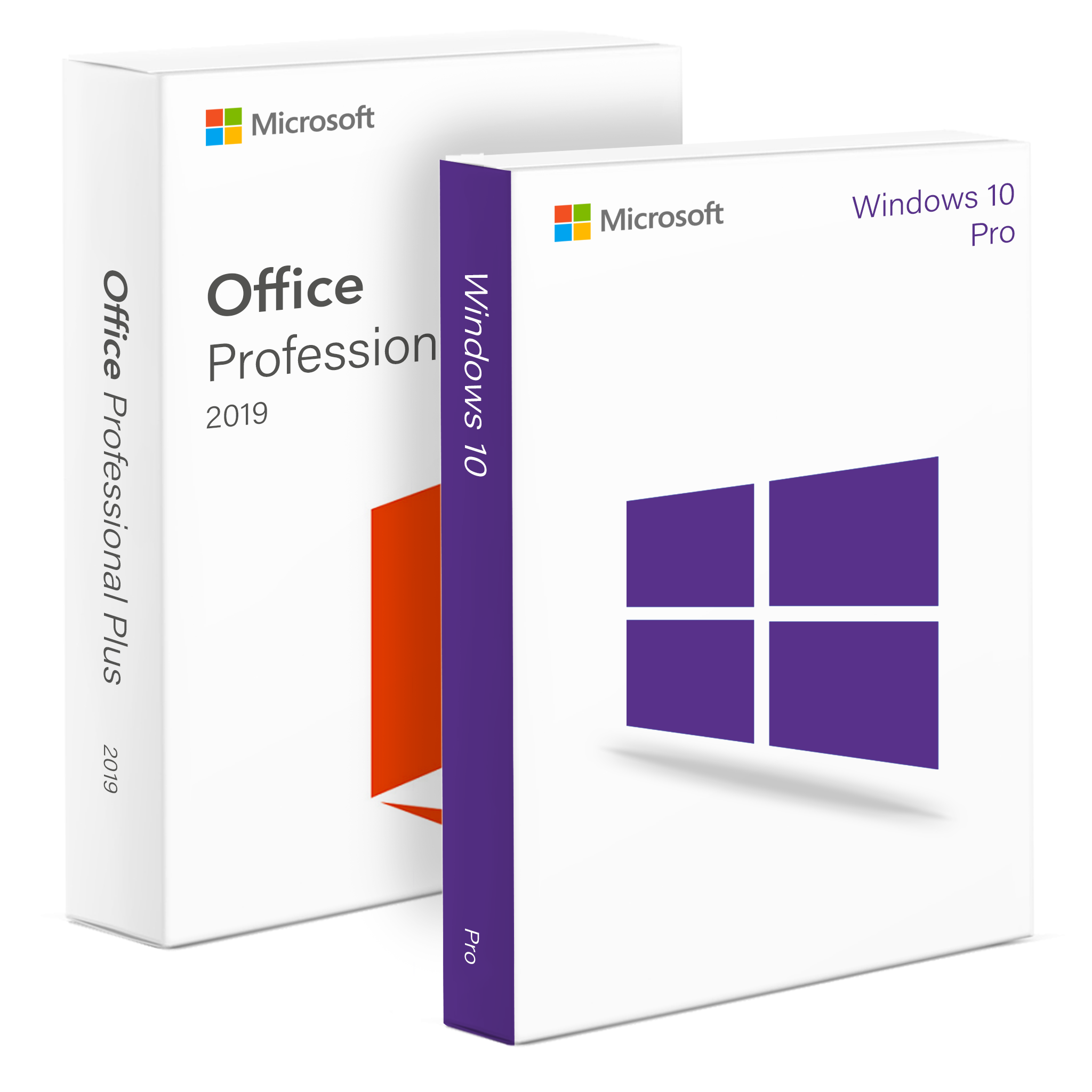
Microsoft Office Professional Plus 2019: Features, Benefits and Support
Microsoft Office Professional Plus 2019: Features, Benefits and Support
Microsoft Office Professional Plus 2019 is a desktop productivity suite for people and organisations that want familiar office applications without relying on a subscription. It includes tools for creating documents, analysing data, preparing presentations and managing email. Although it can still be used on compatible computers, its support period has now ended, so prospective buyers should consider the security and compatibility implications before choosing it.
What is included?
The exact applications can vary by edition and licence, but Office Professional Plus 2019 generally includes:
- Word for writing and formatting documents.
- Excel for spreadsheets, calculations, charts and data analysis.
- PowerPoint for creating presentations.
- Outlook for email, calendars and contacts.
- Publisher for designing print materials such as flyers and newsletters.
- Access for building and managing desktop databases.
Professional Plus is commonly associated with business and volume-licensing arrangements. The applications and activation terms depend on the specific licence, so check what is included before purchasing. Be wary of unusually cheap offers that do not clearly explain the licence source or permitted use.
Key features
Office 2019 brought a range of improvements over earlier perpetual versions. Excel added features such as new charts and functions, while PowerPoint introduced tools including Morph and Zoom to help create more dynamic presentations. Word, Outlook and the other applications also received interface and usability updates.
As a perpetual licence, Office 2019 does not require an ongoing subscription for continued use of the licensed software. However, it does not receive the regular feature updates available to Microsoft 365 subscribers. Cloud services and online features may also require a Microsoft account, an internet connection or a separate subscription.
Compatibility and installation
Office Professional Plus 2019 is a Windows desktop suite. Before installing it, check that the computer meets the requirements for the particular edition and that the licence matches the intended user or organisation. Office 2019 installations are generally available in 32-bit and 64-bit versions, though only one version can be installed at a time.
It is also important to check compatibility with any existing Office installation. Older versions may need to be removed first, and work or school devices may be managed by an organisation’s IT team.
Support has ended
Microsoft support for Office 2019 ended on 14 October 2025. The applications may continue to run, but the suite no longer receives security updates or technical support from Microsoft. This can increase the risk of using it for sensitive work, particularly on a computer connected to the internet.
For users who need ongoing security updates and current features, Microsoft 365 or a newer supported Office edition may be a better choice. Organisations should also consider their security policies, software-management requirements and the cost of upgrading.
Is Office Professional Plus 2019 right for you?
Office Professional Plus 2019 may suit someone who needs its traditional desktop applications and already has a valid licence. However, its end of support is a significant consideration. Before installing or buying it, confirm the licence is legitimate, check application and device compatibility, and weigh the benefits of a one-off purchase against the ongoing updates and services offered by supported alternatives.
Top 9 Advantages of Microsoft Office Professional Plus 2019: Comprehensive Tools for Business and Productivity
- Includes Word, Excel and PowerPoint.
- Outlook supports email and calendar management.
- Publisher helps create print materials.
- Access provides desktop database tools.
- Familiar, easy-to-use interface.
- Works offline after installation and activation.
- One-off licence option, subject to licence terms.
- Useful tools for documents, data and presentations.
- Supports common Microsoft Office file formats.
Key Drawbacks of Microsoft Office Professional Plus 2019: Limited Support, Security Concerns, and Licensing Challenges
- Support ended in October 2025.
- No further security updates are provided.
- It lacks newer features in current Office versions.
- Some licences may be costly or difficult to verify.
Includes Word, Excel and PowerPoint.
A key advantage of Microsoft Office Professional Plus 2019 is that it includes Word, Excel and PowerPoint—three familiar tools for everyday work. Use Word to write and format documents, Excel to organise information and analyse data, and PowerPoint to create presentations. Having these applications together makes it easier to handle a wide range of tasks using a consistent, well-known suite.
Outlook supports email and calendar management.
Outlook for email and calendars: Microsoft Office Professional Plus 2019 includes Outlook, bringing email, calendars, contacts and task management together in one application. You can organise your inbox, schedule appointments, set reminders and manage meetings in a single place, making it easier to keep track of everyday communications and commitments.
Publisher helps create print materials.
Microsoft Publisher makes it easy to create polished print materials, such as flyers, newsletters, brochures and invitations. Its familiar layout tools let you combine text, images and shapes, adjust page designs and prepare documents for printing, making it useful for small businesses, community groups and personal projects.
Access provides desktop database tools.
Access gives Microsoft Office Professional Plus 2019 users a practical set of desktop database tools for organising information, creating forms and reports, and building simple database applications. It can help small teams manage records such as customers, stock or projects without needing specialist database software, while allowing data to be queried and presented in a structured way.
Familiar, easy-to-use interface.
One of the main advantages of Microsoft Office Professional Plus 2019 is its familiar, easy-to-use interface. Its menus, ribbons and tools follow the layout many people already know from previous versions of Office, making it straightforward to find common features and get started. This can help individuals and teams work efficiently, with less time spent learning new software.
Works offline after installation and activation.
One advantage of Microsoft Office Professional Plus 2019 is that, once installed and activated, its desktop applications can be used offline. You can create and edit documents, spreadsheets and presentations without an internet connection, which is useful when travelling or working in places with unreliable connectivity. An internet connection may still be needed for installation, activation, updates or certain online features.
One-off licence option, subject to licence terms.
One advantage of Microsoft Office Professional Plus 2019 is that it may be available with a one-off licence, allowing eligible users to pay once rather than make ongoing subscription payments. This can make costs easier to plan, particularly for those who prefer a fixed purchase. The licence is subject to its specific terms, including rules on activation, permitted devices and transfer, so check these carefully before buying.
Useful tools for documents, data and presentations.
Microsoft Office Professional Plus 2019 brings together useful tools for everyday work with documents, data and presentations. Word helps you write and format reports, Excel makes it easier to organise information and analyse figures, and PowerPoint lets you turn ideas into clear, engaging presentations. Having these familiar applications in one suite can help you work more efficiently across a wide range of personal, academic and business tasks.
Supports common Microsoft Office file formats.
Microsoft Office Professional Plus 2019 supports common Microsoft Office file formats, making it straightforward to open, edit and share documents, spreadsheets and presentations with colleagues, clients and friends. Its compatibility with formats such as DOCX, XLSX and PPTX helps preserve layouts and content when working with files created in other recent versions of Office.
Support ended in October 2025.
Support for Microsoft Office Professional Plus 2019 ended in October 2025, so it no longer receives security updates or technical assistance from Microsoft. The applications may continue to work, but using unsupported software can leave your device more exposed to security risks and compatibility issues over time. For ongoing protection and support, consider moving to a currently supported version of Office or Microsoft 365.
No further security updates are provided.
A significant drawback of Microsoft Office Professional Plus 2019 is that it no longer receives security updates. If new vulnerabilities are discovered, Microsoft will not provide fixes, which may leave the applications and any sensitive information handled in them more exposed to security threats. This makes Office 2019 a less suitable choice for users who rely on ongoing protection, particularly in workplaces or on computers connected to the internet.
It lacks newer features in current Office versions.
One drawback of Microsoft Office Professional Plus 2019 is that it lacks many of the newer features available in current Office versions. As a fixed-release suite, it does not receive ongoing feature updates, so users may miss out on recent tools, improvements and integrations that can make everyday tasks more efficient. This may be limiting for people who want the latest capabilities or need to work seamlessly with colleagues using newer versions.
Some licences may be costly or difficult to verify.
Some Microsoft Office Professional Plus 2019 licences can be costly, while others may be difficult to verify, particularly when bought from unfamiliar third-party sellers. Before purchasing, check that the seller is reputable and that the licence clearly states what it covers, how it can be activated and whether it is valid for your intended use. A low price alone is no guarantee that the licence is genuine or properly authorised.