
The Apple App Store: A Guide to Discovering and Downloading Apps
The Apple App Store: A Guide for iPhone and iPad Users
The Apple App Store is Apple’s digital marketplace for discovering and downloading apps for devices such as the iPhone and iPad. It offers everything from games and creative tools to banking, learning and fitness apps. For many people, it is the main place to find and manage software on their Apple devices.
Finding and downloading apps
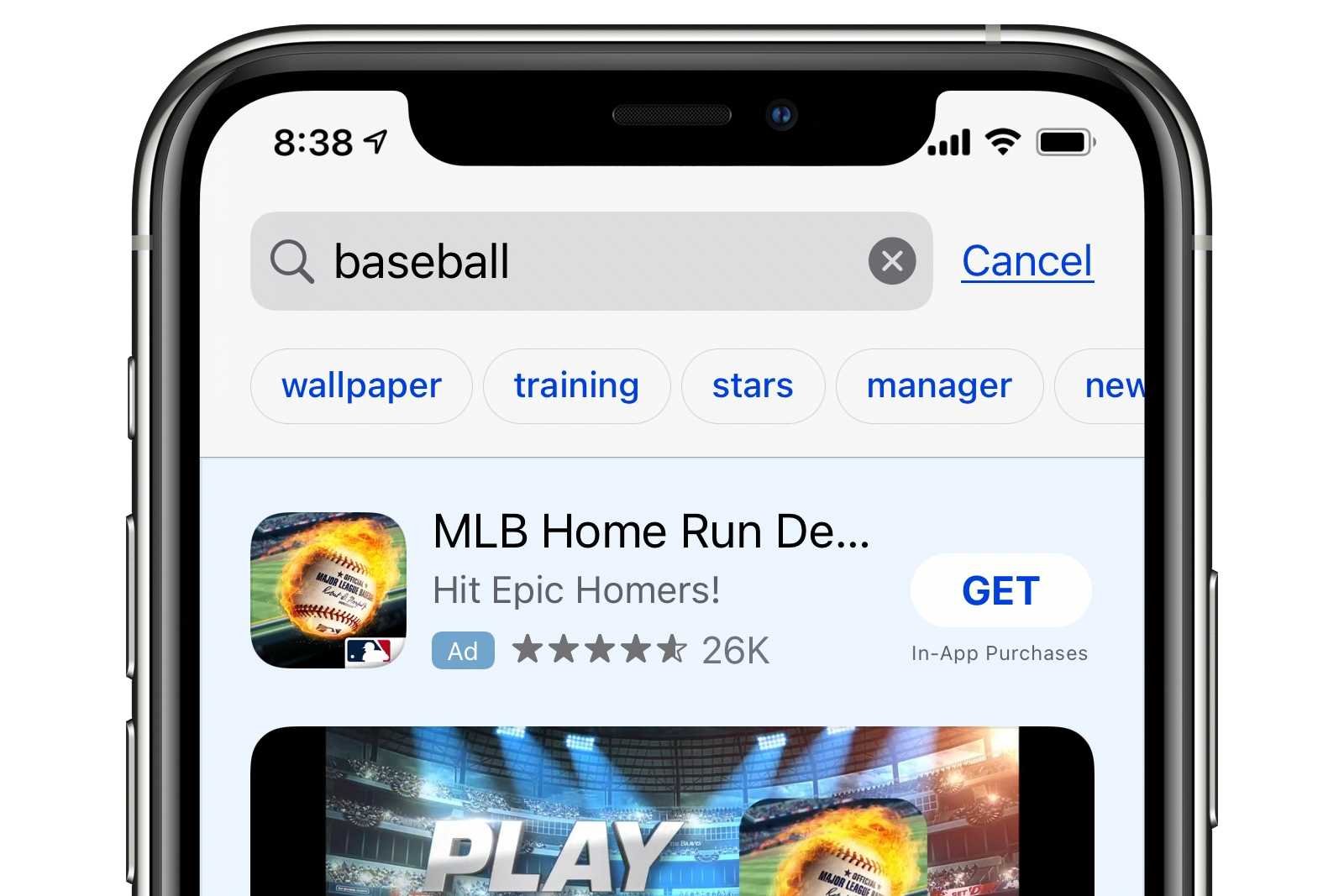
Apps can be browsed by category, searched by name or discovered through editorial collections and recommendations. Each listing provides information such as an app’s description, screenshots, age rating, user reviews and details about in-app purchases. Some apps are free to download, while others have an upfront price. A free app may also offer optional subscriptions or paid features.
To download an app, users generally need an Apple Account and may be asked to confirm their identity using a password, Face ID or Touch ID. Downloaded apps can then be updated through the App Store, either individually or automatically, depending on the device’s settings.
Privacy and safety
Apple reviews apps before they are made available in the App Store, with the aim of helping to protect users from harmful software and misleading practices. App listings also include privacy information supplied by developers, describing the types of data an app may collect and how that data may be used. These details are useful when comparing apps, though it is still worth reading an app’s privacy policy and checking its permissions.
Reviews and ratings can offer helpful insights, but they are only one part of the picture. Check when reviews were posted, look for recurring themes and make sure the app comes from the developer you expect. Be cautious with apps that request access to information or device features that do not seem necessary for their purpose.
Payments, subscriptions and in-app purchases
Before downloading or buying an app, check its price and whether it offers in-app purchases. Subscriptions can renew automatically, so it is important to review the terms, renewal period and cancellation instructions before signing up. Subscription settings can usually be managed through the Apple Account settings on the device.
For purchases made through Apple, receipts and purchase history are available through the account. If something goes wrong with a payment or an app does not work as expected, users can consult Apple Support or contact the app’s developer, depending on the issue.
For app developers
The App Store gives developers a way to distribute apps to Apple device users around the world. Developers submit their apps for review and must follow Apple’s requirements on areas such as functionality, privacy, payments and content. Apple also provides tools for managing app listings, releases and customer feedback.
Rules and fees can vary according to the developer’s circumstances and the type of transaction. Developers should check Apple’s current documentation for the latest requirements and commercial terms.
Making the most of the App Store
To get more from the App Store, keep apps up to date, review privacy information before downloading, and check subscription details carefully. Thoughtful searching and comparing can help you find reliable apps that suit your needs, while regular checks of your purchases and subscriptions can help you stay in control of spending.
Whether you are looking for a practical everyday tool or something new to explore, the Apple App Store brings a wide range of apps together in one place. A little research before downloading can help make the experience safer, clearer and more useful.
Common Questions About Accessing and Using the Apple App Store
- Where is my App Store?
- How do I access the Apple App Store?
- How do I access Apple App Store?
- How do I install Apple App Store?
- How do I browse Apple App Store?
- How do I see what Apple is charging me for?
Where is my App Store?
If you can’t find the App Store on your iPhone or iPad, swipe down from the middle of the Home Screen and search for “App Store”. You can also check the App Library by swiping left past your Home Screen pages. If it still doesn’t appear, Screen Time restrictions may be preventing access or app installation; check Settings under Screen Time and Content & Privacy Restrictions. The App Store is built into Apple devices and cannot normally be deleted.
How do I access the Apple App Store?
To access the Apple App Store, tap the blue App Store icon on your iPhone or iPad. If you can’t find it, swipe down on the Home Screen and search for “App Store”. You’ll need an internet connection to browse or download apps, and may be asked to sign in with your Apple Account to make a download or purchase. On a Mac, open the App Store from the Dock or the Apple menu.
How do I access Apple App Store?
To access the Apple App Store, tap the blue App Store icon on your iPhone or iPad. If you can’t find it, swipe down from the Home Screen and search for “App Store”. You’ll need an internet connection to browse or download apps, and may be asked to sign in with your Apple Account to download apps or make purchases.
How do I install Apple App Store?
The Apple App Store is built into compatible iPhone, iPad and Mac devices, so you usually do not need to install it separately. On an iPhone or iPad, search for “App Store” using Spotlight or check the App Library if you cannot see its icon; also check Screen Time restrictions, which can prevent app installations. On a Mac, open the App Store from the Dock or the Applications folder. If it still is not available, check your device’s software and settings or contact Apple Support.
How do I browse Apple App Store?
To browse the Apple App Store, open the App Store app on your iPhone or iPad. Use the Search tab to look for a specific app, or explore the Today, Games and Apps tabs to discover featured picks, popular downloads and recommendations by category. Tap an app to view its description, screenshots, ratings, privacy details and any in-app purchases before downloading.
How do I see what Apple is charging me for?
To see what Apple is charging you for, visit reportaproblem.apple.com and sign in with your Apple Account to review your purchase history, including apps, subscriptions and other content. You can also check your subscriptions in Settings on your iPhone or iPad by tapping your name, then Subscriptions. If you do not recognise a charge, check whether another family member uses your account or whether the charge relates to a subscription, then contact Apple Support if you still need help.