
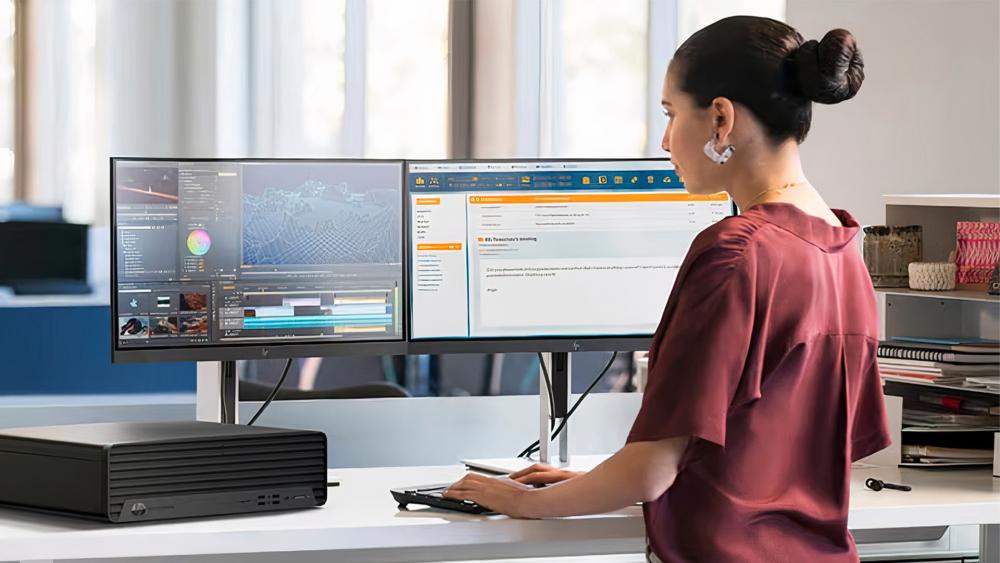
The Ever-Evolving World of Computer Technology: A Glimpse into the Future
The Evolution of Computers: A Journey Through Time
Computers have become an integral part of our daily lives, revolutionising the way we work, communicate, and interact with the world around us. The evolution of computers spans several decades, marked by significant advancements in technology that have shaped the modern computing landscape.
The Early Days
The concept of a programmable machine dates back to the early 19th century, with pioneers like Charles Babbage and Ada Lovelace laying the foundation for modern computing. The first electronic digital computer, known as the ENIAC, was developed in the 1940s and marked a major breakthrough in computational power.
The Personal Computer Revolution
The 1970s and 1980s saw the rise of personal computers, with companies like Apple and IBM leading the way in making computing more accessible to individuals. The introduction of graphical user interfaces and operating systems like Windows revolutionised the user experience, paving the way for widespread adoption of PCs in homes and offices.
The Internet Age
The advent of the internet in the late 20th century transformed how we access information and communicate with others. The development of faster processors, increased storage capacity, and wireless connectivity further expanded the capabilities of computers, enabling us to stay connected anytime, anywhere.
The Future of Computing
As we look towards the future, emerging technologies like artificial intelligence, quantum computing, and Internet of Things (IoT) are poised to redefine what is possible with computers. These innovations promise to make our devices smarter, more efficient, and more integrated into our daily lives.
In conclusion, the evolution of computers has been a remarkable journey characterised by innovation, creativity, and a relentless pursuit of progress. From room-sized machines to handheld devices that fit in our pockets, computers have come a long way – and their impact on society continues to grow exponentially.
Essential Tips for Maintaining and Securing Your Computer
- Regularly update your computer’s operating system and software to ensure optimal performance and security.
- Backup your important files regularly to prevent data loss in case of hardware failure or cyber-attacks.
- Use strong and unique passwords for all your accounts to enhance cybersecurity.
- Keep your computer clean from dust and debris by regularly cleaning the keyboard, screen, and vents.
- Avoid clicking on suspicious links or downloading attachments from unknown sources to prevent malware infections.
- Enable a firewall and install reputable antivirus software to protect your computer from online threats.
- Be cautious when connecting to public Wi-Fi networks as they may not be secure. Consider using a virtual private network (VPN) for added protection.
Regularly update your computer’s operating system and software to ensure optimal performance and security.
Regularly updating your computer’s operating system and software is essential to maintaining optimal performance and security. These updates often include patches and fixes that address vulnerabilities and improve functionality, helping to safeguard your system against cyber threats and ensuring that it runs smoothly. By staying up to date with the latest software versions, you not only enhance your computer’s performance but also protect your data and privacy from potential risks. Make it a habit to check for updates regularly to keep your computer running efficiently and securely.
Backup your important files regularly to prevent data loss in case of hardware failure or cyber-attacks.
Regularly backing up your important files is a crucial practice in safeguarding your data against unexpected events such as hardware failures or cyber-attacks. By creating backups of your valuable information, you ensure that even if your computer encounters problems, you can easily recover and restore your files without the risk of permanent loss. Remember, prevention is key when it comes to protecting your digital assets, so make it a habit to back up your data consistently to avoid potential disruptions and maintain peace of mind.
Use strong and unique passwords for all your accounts to enhance cybersecurity.
Enhancing cybersecurity is crucial in today’s digital age, and one effective tip is to use strong and unique passwords for all your accounts. By creating complex passwords that combine letters, numbers, and special characters, you can significantly reduce the risk of unauthorized access to your sensitive information. Additionally, using different passwords for each account adds an extra layer of security, ensuring that a breach in one account does not compromise others. Protecting your online presence with robust password practices is a proactive step towards safeguarding your digital identity and maintaining privacy and security online.
Keep your computer clean from dust and debris by regularly cleaning the keyboard, screen, and vents.
To maintain the optimal performance and longevity of your computer, it is essential to keep it clean from dust and debris. Regularly cleaning the keyboard, screen, and vents helps prevent build-up that can hinder airflow and cause overheating. By taking simple steps to ensure a clean environment for your computer, you can enhance its efficiency and reliability for smooth operation.
Avoid clicking on suspicious links or downloading attachments from unknown sources to prevent malware infections.
To safeguard your computer from potential malware infections, it is crucial to exercise caution when encountering suspicious links or unknown attachments. By refraining from clicking on such links or downloading files from unverified sources, you can significantly reduce the risk of compromising your system’s security. Stay vigilant and prioritise safety measures to protect your device and personal data from cyber threats.
Enable a firewall and install reputable antivirus software to protect your computer from online threats.
To safeguard your computer from online threats, it is crucial to enable a firewall and install reputable antivirus software. A firewall acts as a barrier between your device and potential malicious entities, monitoring and controlling incoming and outgoing network traffic. Additionally, antivirus software helps detect and remove viruses, malware, and other harmful programmes that could compromise your system’s security. By implementing these essential measures, you can significantly enhance your computer’s defence against cyber threats and ensure a safer online experience.
Be cautious when connecting to public Wi-Fi networks as they may not be secure. Consider using a virtual private network (VPN) for added protection.
When connecting to public Wi-Fi networks, it is essential to exercise caution as they may lack adequate security measures, making your personal data vulnerable to potential threats. To enhance your online security and privacy, it is advisable to utilise a virtual private network (VPN) when accessing public networks. A VPN creates a secure and encrypted connection, safeguarding your data from prying eyes and cyber attacks, thereby providing an added layer of protection while browsing the internet on public Wi-Fi.