
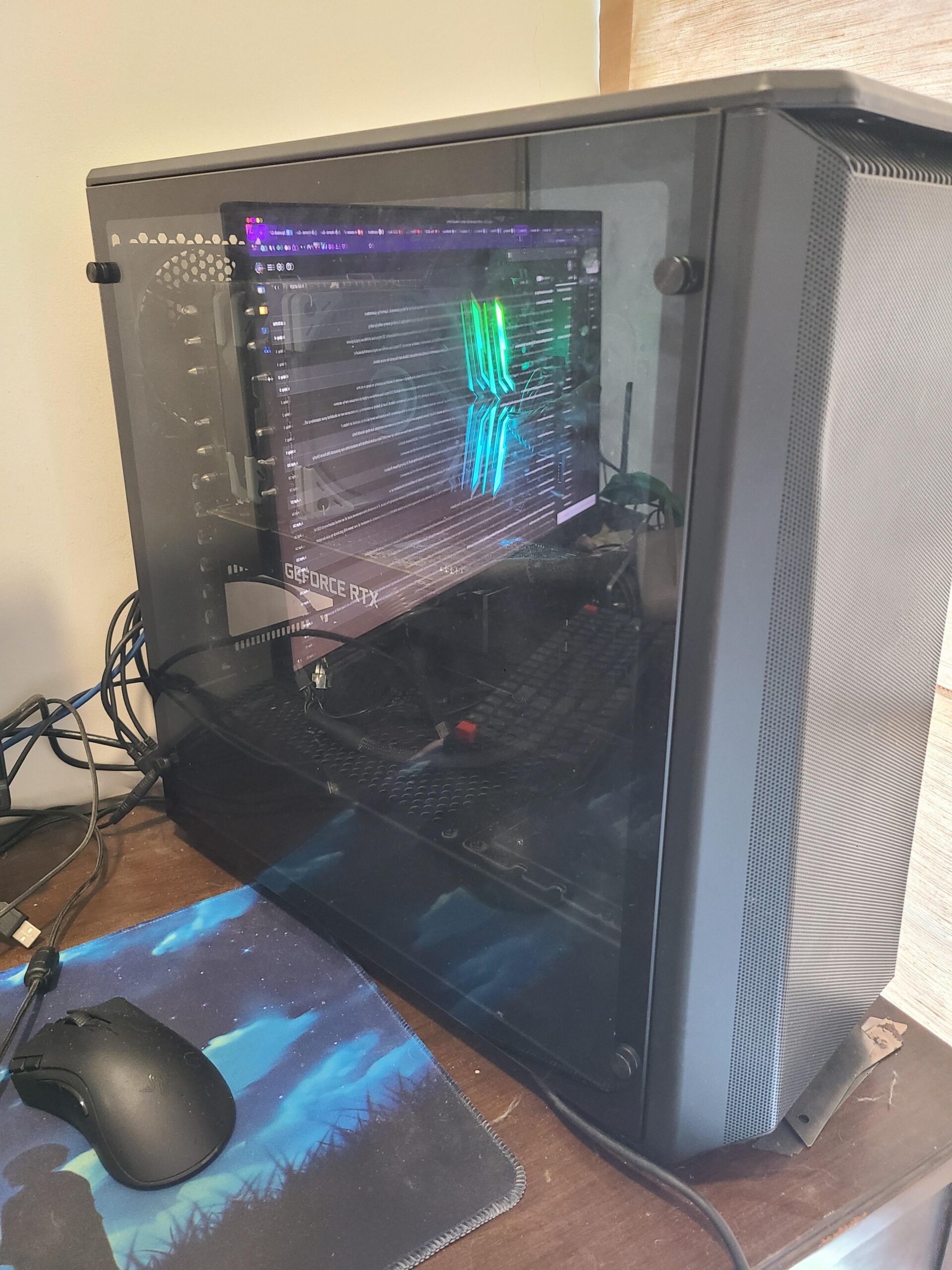
Unlocking Value: The Advantages of Investing in a Quality Used PC
The Benefits of Buying a Used PC
When it comes to purchasing a new computer, many people automatically think of buying a brand-new model straight from the store. However, there are significant advantages to considering a used PC as well. Here are some compelling reasons why opting for a second-hand computer could be a smart choice:
Cost-Effectiveness
One of the most obvious benefits of buying a used PC is the cost savings it offers. Second-hand computers are typically much more affordable than their brand-new counterparts, allowing you to get your hands on a high-quality machine at a fraction of the price. This can be particularly advantageous if you’re on a tight budget or looking to save money without compromising on performance.
Environmental Impact
By choosing to purchase a used PC, you are also making an environmentally-friendly decision. Reusing electronics helps reduce electronic waste and minimises the need for new manufacturing, which can have a positive impact on the environment. By extending the lifespan of a computer through second-hand purchase, you are contributing towards sustainability and reducing your carbon footprint.
Quality and Reliability
Contrary to common misconceptions, used PCs can offer excellent quality and reliability. Many pre-owned computers have been well-maintained and refurbished before being resold, ensuring that they are in good working condition. Additionally, reputable sellers often provide warranties or guarantees on their used computers, giving you peace of mind regarding the product’s reliability.
Customisation Options
Another advantage of buying a used PC is the opportunity for customisation. With second-hand computers, you may have more flexibility in choosing specific components or features that suit your needs. This customisation potential allows you to create a personalised computing experience tailored to your preferences without breaking the bank.
Final Thoughts
While purchasing a new computer has its merits, exploring the option of buying a used PC can open up various benefits that may align better with your requirements and circumstances. From cost-effectiveness and environmental sustainability to quality assurance and customisation possibilities, opting for a second-hand computer can be a wise choice that offers both value and performance.
Next time you’re in the market for a computer upgrade or replacement, consider the advantages of investing in a quality used PC – it might just be the perfect solution for your computing needs.
Essential Tips for Buying a Used PC: Ensuring Quality and Avoiding Pitfalls
- Check the condition of the used PC before purchasing.
- Verify the specifications and ensure they meet your requirements.
- Ask about any warranty or return policy for the used PC.
- Inspect for any physical damages or signs of wear and tear.
- Run diagnostic tests to check the performance and health of the PC.
- Consider buying from reputable sellers or platforms to avoid scams.
Check the condition of the used PC before purchasing.
It is crucial to thoroughly inspect the condition of a used PC before making a purchase. By carefully examining the computer, including its physical appearance, internal components, and overall performance, you can ensure that you are investing in a reliable and functional device. Checking for any signs of damage, wear and tear, or technical issues will help you make an informed decision and avoid potential problems down the line. Taking the time to assess the condition of the used PC is essential in guaranteeing a satisfactory and worthwhile purchase experience.
Verify the specifications and ensure they meet your requirements.
When considering purchasing a used PC, it is crucial to verify the specifications and ensure they align with your specific requirements. By carefully examining the technical details of the computer, such as processor speed, RAM capacity, storage space, and graphics capabilities, you can determine whether the machine will meet your needs for performance and functionality. Checking the specifications beforehand will help you make an informed decision and avoid any potential disappointments or compatibility issues down the line.
Ask about any warranty or return policy for the used PC.
When considering purchasing a used PC, it is essential to inquire about any warranty or return policy offered by the seller. Understanding the terms of warranty coverage and the possibility of returning the computer in case of any issues provides valuable reassurance and protection for buyers. A warranty can offer peace of mind regarding the reliability and condition of the used PC, while a clear return policy ensures that you have recourse in case the computer does not meet your expectations. By asking about these aspects upfront, you can make a more informed decision and safeguard your investment in a pre-owned computer.
Inspect for any physical damages or signs of wear and tear.
Before finalising your purchase of a used PC, it is crucial to meticulously inspect the device for any physical damages or indications of wear and tear. By carefully examining the exterior and interior components, such as the casing, ports, keyboard, screen, and internal hardware, you can identify potential issues that may affect the computer’s performance or longevity. Paying attention to these details ensures that you acquire a second-hand PC in good condition, providing you with a reliable and satisfactory computing experience.
Run diagnostic tests to check the performance and health of the PC.
To ensure the optimal performance and longevity of a used PC, it is advisable to run diagnostic tests that assess both its overall performance and health. By conducting these tests, you can identify any underlying issues, such as hardware malfunctions or software errors, that may impact the computer’s functionality. This proactive approach allows you to address potential problems early on, enabling you to make informed decisions regarding maintenance or repairs to enhance the PC’s performance and reliability. Regular diagnostic testing is a valuable practice that can help you maximise the efficiency and lifespan of your used computer.
Consider buying from reputable sellers or platforms to avoid scams.
When purchasing a used PC, it is advisable to consider buying from reputable sellers or platforms to avoid scams. Trustworthy sellers often provide refurbished computers that have been thoroughly inspected and restored to ensure their quality and reliability. By opting for established sellers or reputable online platforms, you can minimise the risk of encountering fraudulent transactions and ensure that you are investing in a genuine and well-maintained used PC. This approach not only offers peace of mind but also enhances your overall buying experience by prioritising transparency and customer satisfaction.