
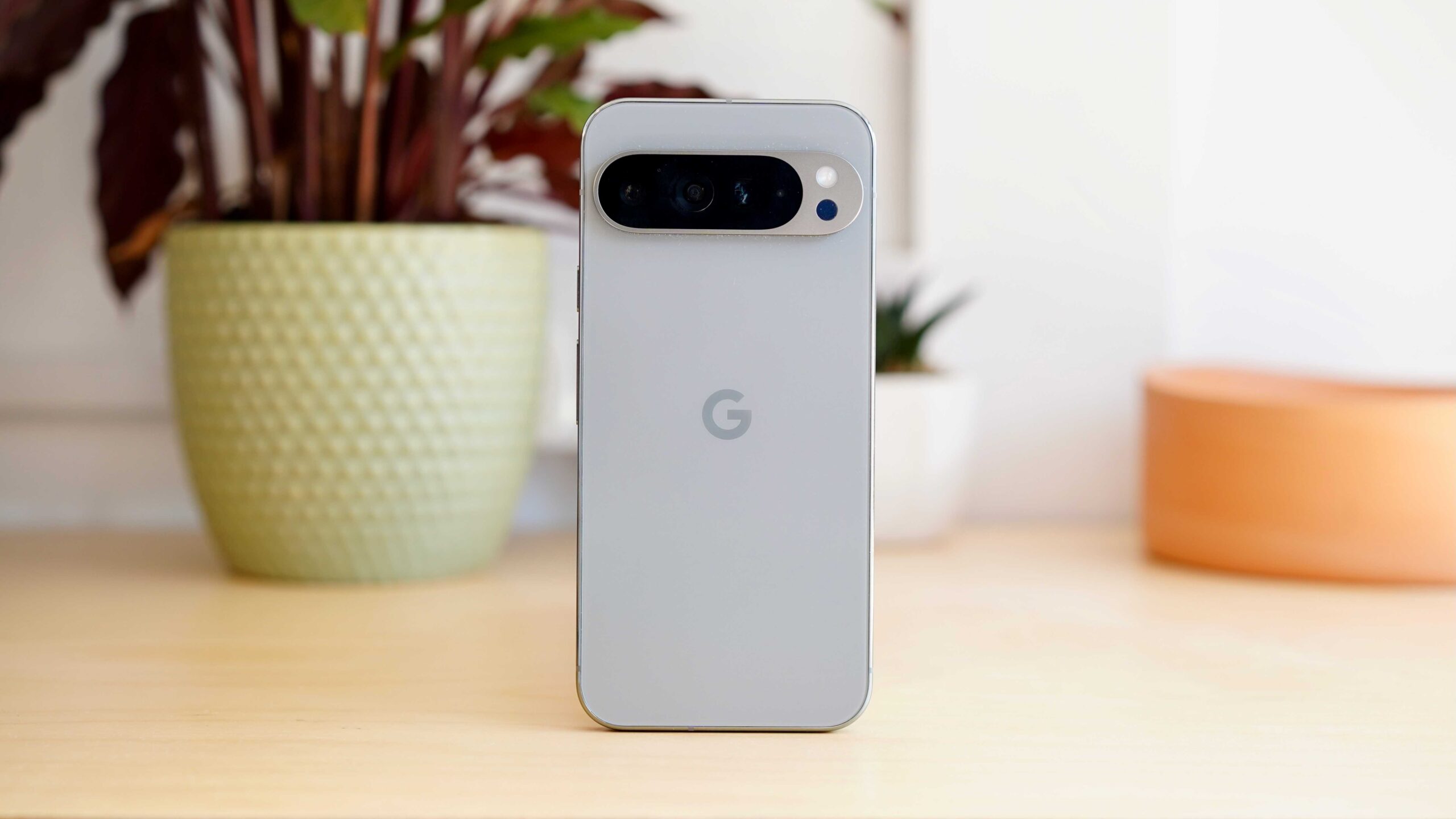
Refurbished Smartphones: A Smart, Sustainable Way to Upgrade
Refurbished Smartphones: A Smarter Way to Upgrade?
A refurbished smartphone can offer many of the features of a newer device at a lower price. It may also help extend the life of electronics and reduce the number of phones that are discarded. But what does “refurbished” actually mean, and what should you check before buying one?
What is a refurbished smartphone?
A refurbished phone is a pre-owned device that has been checked and prepared for resale. Depending on its condition, it may have been cleaned, tested, repaired or fitted with replacement parts. The exact process varies between sellers, so “refurbished” does not always mean the same thing from one retailer to another.
Refurbished phones are different from new devices, and they should not be confused with phones sold simply as “used”. A reputable seller should explain what checks have been carried out, disclose any faults or cosmetic marks, and provide clear details about the returns policy and warranty.
Why consider buying refurbished?
- Lower cost: Refurbished models are often cheaper than their brand-new equivalents. This can make higher-specification phones more affordable.
- More choice: Buyers can compare recent models with older devices that may no longer be widely available new.
- Less electronic waste: Choosing a refurbished device gives a phone another chance to be used instead of discarded. It is not impact-free, but keeping electronics in use for longer can be a more resource-conscious choice.
Understand condition grades
Some sellers use condition grades such as “like new”, “excellent”, “good” or “fair”. These usually describe the phone’s appearance, not necessarily how well it works. A device with visible scratches may function perfectly, while a phone that looks pristine still needs proper testing.
Check the seller’s description of each grade. Find out whether marks may appear on the screen or casing, whether the phone has been repaired, and whether any parts have been replaced. If the grading system is vague, ask for clarification before purchasing.
What to check before you buy
Battery health
The battery is one of the most important things to investigate. Ask whether it has been tested, what condition it is in and whether it has been replaced. If the seller provides a battery-health figure, check what it means and whether it is covered by the warranty. Battery performance naturally declines over time, so a refurbished phone may not last as long between charges as a new one.
Warranty and returns
Read the warranty terms carefully. Check how long cover lasts, what it includes and how to make a claim. Also review the returns policy, including any time limits, conditions or costs. Consumer rights may apply to purchases in the UK, but your options can depend on how and from whom you buy, so keep your receipt and the product listing.
Network and SIM compatibility
Make sure the phone will work with your mobile network. Check whether it is unlocked or restricted to a particular provider, and confirm that it supports the services and network bands you need. If you plan to use an eSIM, verify that the specific model and your chosen network support it.
Model, software and security updates
Confirm the exact model and storage capacity. A phone that is several years old may have limited remaining software support, which can affect access to new features and security updates. Before buying, check the manufacturer’s update policy and consider how long you expect to keep the device.
Repairs and replacement parts
Ask whether the phone has been repaired and, if so, whether replacement parts were used. Parts that are not supplied or approved by the manufacturer may affect features such as water resistance, screen performance or biometric security. Water resistance should never be assumed on a refurbished device, even if the original model was advertised as water-resistant.
Data and account security
A refurbished phone should be erased and ready to set up. When you receive it, check that it is not linked to someone else’s account and that it can be activated normally. Install the latest available software update, set a new passcode and avoid restoring sensitive data until you are confident the device is ready to use.
How to choose a reputable seller
Look for a seller that provides a clear grading system, a detailed description of its testing process, transparent warranty terms and accessible customer support. Independent reviews can offer useful insight, but pay attention to specific comments about returns, repairs and after-sales service rather than relying on star ratings alone.
Be cautious of listings with unusually low prices, incomplete specifications or unclear photographs. Before paying, confirm what is included in the box. A refurbished phone may arrive without its original packaging, charger or accessories.
Is a refurbished smartphone right for you?
A refurbished phone may be a good choice if you want to spend less, do not need the latest model and are comfortable checking the condition and support terms. It may be less suitable if you need a particular battery performance, long-term software support or a device in flawless cosmetic condition.
Compare the total cost, not just the headline price. Take account of the warranty, battery condition, storage, accessories and any likely repair costs. With a little research, a refurbished smartphone can be a practical way to get a device that suits your needs while keeping a working phone in use for longer.
Essential FAQs on Purchasing Refurbished Smartphones
- What does refurbished mean when buying a smartphone?
- Are refurbished smartphones reliable?
- Do refurbished phones come with a warranty?
- How can I check the battery condition of a refurbished phone?
- Are refurbished smartphones unlocked and compatible with all networks?
- Is it safe to buy a refurbished smartphone?
What does refurbished mean when buying a smartphone?
When buying a smartphone, “refurbished” means it has been previously owned or returned, then inspected and prepared for resale. Depending on its condition, it may have been cleaned, tested or repaired, and some parts may have been replaced. Refurbished phones can show cosmetic wear, so check the seller’s condition grading, testing process, warranty and returns policy, as standards vary between sellers.
Are refurbished smartphones reliable?
Refurbished smartphones can be reliable when they have been thoroughly tested and, if necessary, repaired by a reputable seller. Reliability varies, so check what inspections have been carried out, whether the battery has been assessed, and what warranty and returns cover are provided. Read the condition description carefully, as cosmetic grading does not always indicate how the phone performs.
Do refurbished phones come with a warranty?
Many refurbished phones come with a warranty, but the length and cover vary by seller and device. Check the warranty terms before buying, including what faults are covered, how long the cover lasts and how to make a claim. Also review the returns policy, and keep your receipt or order confirmation.
How can I check the battery condition of a refurbished phone?
To check the battery condition of a refurbished phone, ask the seller for its battery-health reading and find out whether the battery has been tested or replaced. Once you have the phone, check the battery settings: iPhones show battery health under Settings > Battery > Battery Health & Charging, while the menu on Android phones varies by manufacturer and model. You can also monitor how quickly the charge drops during normal use. Check the seller’s warranty for battery coverage, as a displayed health figure does not guarantee future performance.
Are refurbished smartphones unlocked and compatible with all networks?
Refurbished smartphones are not always unlocked, so check the listing or ask the seller before buying. An unlocked phone should accept SIM cards from different networks, but compatibility can still depend on the handset’s model, supported network bands and features such as 5G or eSIM. If you plan to use a particular network, confirm compatibility with both the seller and your mobile provider.
Is it safe to buy a refurbished smartphone?
Yes, buying a refurbished smartphone can be safe if you choose a reputable seller. Check that the phone has been tested, securely wiped and clearly graded, and look for a warranty, a straightforward returns policy and details about the battery and any repairs. Before using it, install available software updates and make sure it is not locked to someone else’s account or a particular network unless that suits you.