
User Experience Design for a Website: A Practical Guide
User Experience Design for Websites: A Practical Guide
A website can look impressive and still be difficult to use. Visitors may struggle to find information, complete a purchase or understand what to do next. User experience (UX) design helps prevent these problems by shaping a website around the needs, expectations and behaviours of the people who use it.
Good UX is not simply about appearance. It brings together research, structure, content, interaction and visual design to make a website useful, clear and accessible. When these elements work well together, visitors can accomplish their goals with less effort—and are more likely to return.
What is website user experience design?
User experience design is the process of improving how people interact with a website. It considers the complete journey, from a visitor’s first impression to the moment they complete a task or leave the site.
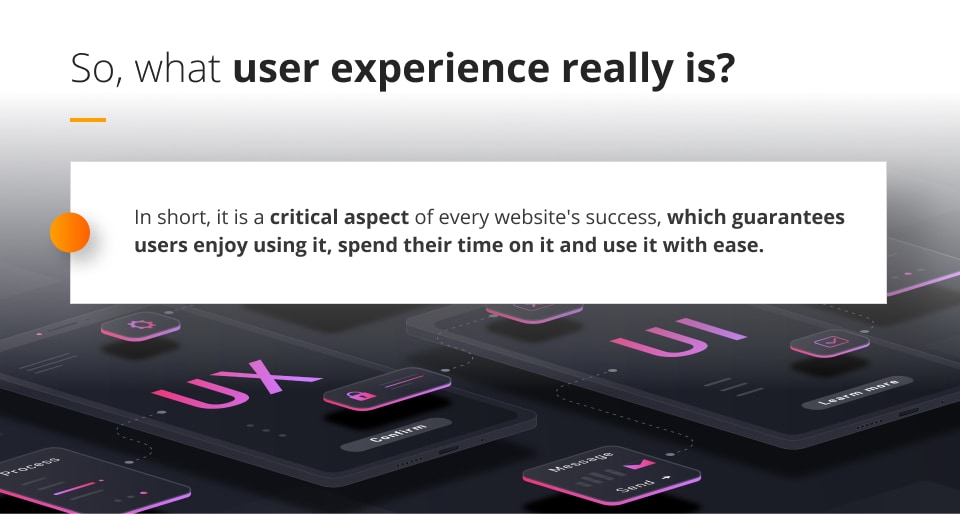
UX design may involve finding out what users need, organising pages, planning navigation, creating wireframes, testing prototypes and refining the finished website. It is closely related to user interface (UI) design, which focuses on the visual and interactive details—such as colours, typography, buttons and form controls. UX considers the broader experience; UI helps bring that experience to life.
Start with users and their goals
Effective design begins with understanding the people a website is intended to serve. Rather than relying only on assumptions, a design team can use interviews, surveys, analytics and usability testing to learn what visitors are trying to do and where they encounter difficulties.
For example, an online shop’s customers may want to compare products, check delivery details and make a purchase quickly. A charity website’s visitors may be looking for information about its work or a straightforward way to donate. Understanding these goals helps determine which content and features matter most.
It is also useful to consider different circumstances. Visitors may be using a mobile phone, browsing with a slow connection, relying on assistive technology or arriving at a page from a search result. Designing for these situations makes the experience more inclusive and dependable.
Make navigation clear
Visitors should be able to understand where they are and how to reach the information they need. Clear navigation labels, a logical page hierarchy and consistent menus all help people move around a website confidently.
Keep the main navigation focused on the most important sections. Use familiar wording instead of internal jargon, and make sure links look and behave like links. On larger websites, search, breadcrumbs and well-organised category pages can provide additional ways to find content.
Prioritise clarity and useful content
Content is a central part of the user experience. Clear headings, concise paragraphs and descriptive link text make pages easier to scan. Put important information where visitors are likely to look for it, and explain unfamiliar terms when they cannot be avoided.
Every page should have a clear purpose. Calls to action—such as “Book an appointment” or “View delivery options”—should describe what will happen when selected. Avoid vague labels that leave visitors guessing.
Design for mobile and accessibility
Websites should work across a range of screen sizes, not just on desktop computers. Responsive design allows layouts to adapt to mobile phones, tablets and larger displays. Text should remain readable, controls should be easy to tap, and essential information should not disappear on smaller screens.
Accessibility is another essential part of good UX. Use sufficient colour contrast, provide alternative text for meaningful images, label form fields clearly and ensure that the site can be navigated using a keyboard. Headings should follow a sensible structure, and instructions should not rely on colour alone. These practices can make a website easier to use for people with a wide range of abilities and preferences.
Reduce friction in common tasks
Every unnecessary step or unclear instruction can make it harder for a visitor to complete a task. Forms, checkout processes and booking journeys deserve particular attention. Ask only for information that is genuinely needed, explain errors in plain language and preserve what a visitor has already entered when something goes wrong.
Feedback also matters. A button should respond when selected, a form should confirm when it has been submitted, and loading states should help visitors understand that the site is working. Small details like these make interactions feel more predictable.
Test, learn and improve
UX design does not end when a website launches. Testing with real users can reveal problems that are easy to miss during development. Ask participants to complete realistic tasks, observe where they hesitate and invite them to explain what they expect to happen.
Website analytics can show patterns such as pages where visitors leave or steps where they abandon a process. These signals are useful starting points, but they should be considered alongside user feedback and usability tests. Improvements can then be made, measured and refined over time.
Conclusion
Good user experience design makes a website easier to understand, navigate and use. It starts with real user needs, supports them with clear content and accessible design, and continues through regular testing and improvement. By focusing on the people behind the screens, organisations can create websites that are not only attractive but genuinely helpful.
Essential Tips for Enhancing User Experience in Web Design
- Keep navigation clear and consistent.
- Make pages load quickly.
- Design for mobile screens first.
- Use readable text and strong contrast.
- Test with real users and refine.
Keep navigation clear and consistent.
Keep navigation clear and consistent so visitors can find what they need without having to guess. Use familiar, descriptive labels, organise pages in a logical order and place menus where people expect to find them. Keeping navigation consistent across the website helps users understand where they are and move between pages with confidence.
Make pages load quickly.
Make pages load quickly to help visitors find what they need without delay. Slow websites can frustrate users, especially on mobile devices or slower connections, and may lead them to leave before a page appears. Optimise images, reduce unnecessary scripts and choose reliable hosting to improve loading times. Check performance regularly across different devices and connections, and prioritise the content visitors need first.
Design for mobile screens first.
Designing for mobile screens first helps ensure that a website works well for people using phones, where space is limited and interactions are often touch-based. Start with the most important content and tasks, then adapt the layout for larger screens. Use readable text, clear navigation and buttons that are easy to tap, and test pages on different devices to check that nothing feels cramped or difficult to use.
Use readable text and strong contrast.
Use readable text and strong contrast to make your website comfortable for everyone to use. Choose clear fonts, an appropriate text size and enough spacing between lines, then check that text stands out clearly against its background. Good contrast helps visitors read content more easily, including people with visual impairments or those viewing the site on a small screen or in bright light.
Test with real users and refine.
Test your website with real users to discover what works well and where people get stuck. Ask them to complete common tasks, such as finding key information or submitting a form, and observe their experience without guiding them. Use their feedback alongside website analytics to identify areas for improvement, then make changes and test again. This ongoing process helps create a website that feels clearer, more accessible and easier to use.